
Prerequisites:
PuTTYgen : Download here.
Technique 1: Using GUI
Step 1:
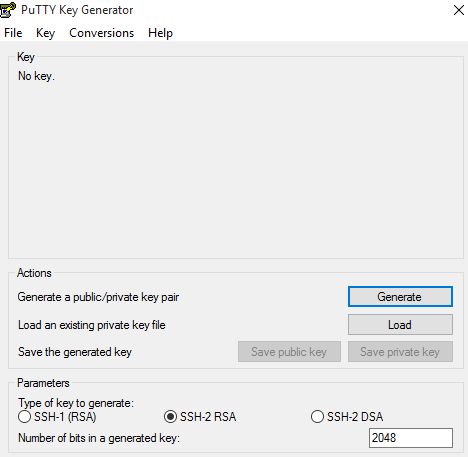
Open PuTTYgen.exe, select Type of key to generate as: SSH-2 RSA.
Step 2:
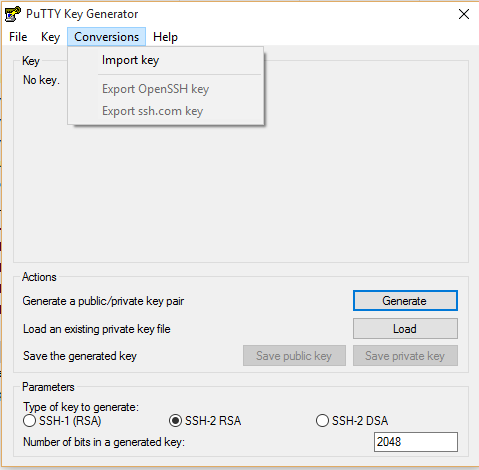
Go to Conversions -> Import Key, & Set the file type to *.*. Browse to, and Open your .pem file
Step 3:
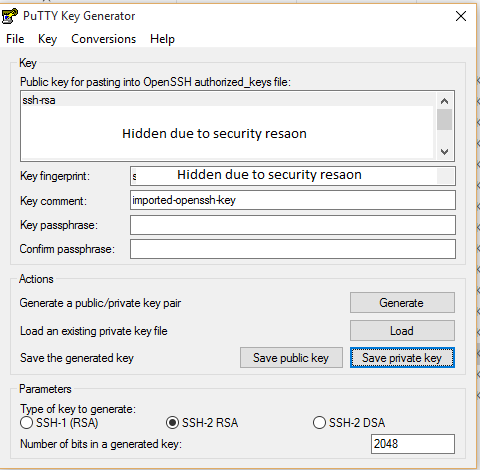
Click on ‘Save private key’ browse the path to save generated ppk file.
PuTTY will auto-detect everything it needs, and you just need to click “Save private key” and you can save your ppk key for use with PuTTY

 Techiehints Software
Leave a comment