

Ensure that Windows Subsystem for Linux (WSL) is installed on your Windows machine.
wsl --list -owsl --install -d ubuntuInside UBUNTU enable ssh server or daemon
sudo apt-get update && sudo apt-get install openssh-
server
To know the ip address of the Ubuntu
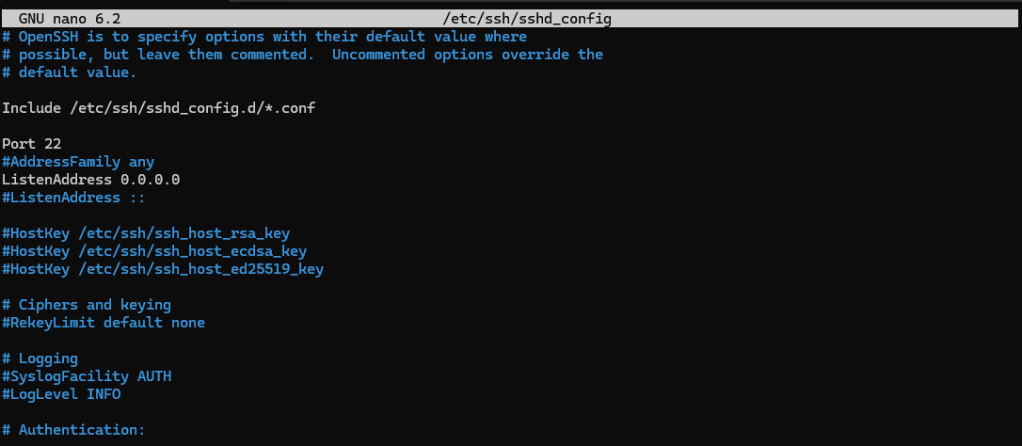
ip aconfigure the nano /etc/ssh/sshd_config – enable port, incomingPort, passwordAuthentication
Try to connect with windows powershell
ssh username@ipaddress
 Techiehints Software
Leave a comment